Story mission
Daily Driver
Daily Driver is mission 46 of 157 in GTA 6, part of Chapter 2 “Paradise Lost”. In-game objective: Steal the Crawler for Moses.
- Chapter
- Chapter 2: Paradise Lost
- Character
- Lucia
- Order
- 46 / 157
- Objective
- Steal the Crawler for Moses
- Location
- Port Gellhorn
- Replay
- No mission replay at launch; the Story Recap menu summarises past missions.
How the mission goes (spoilers)
Moses wants the white ’82 Canis Crawler. Search the area around the old Traders’ Union building, beat or lose the guards and drive the jeep to his garage. Pays $1,250, plus $500 if it arrives undamaged. Moses then hands over the Port Gellhorn garage and the real estate app opens.
Story of Chapter 2 (spoilers)
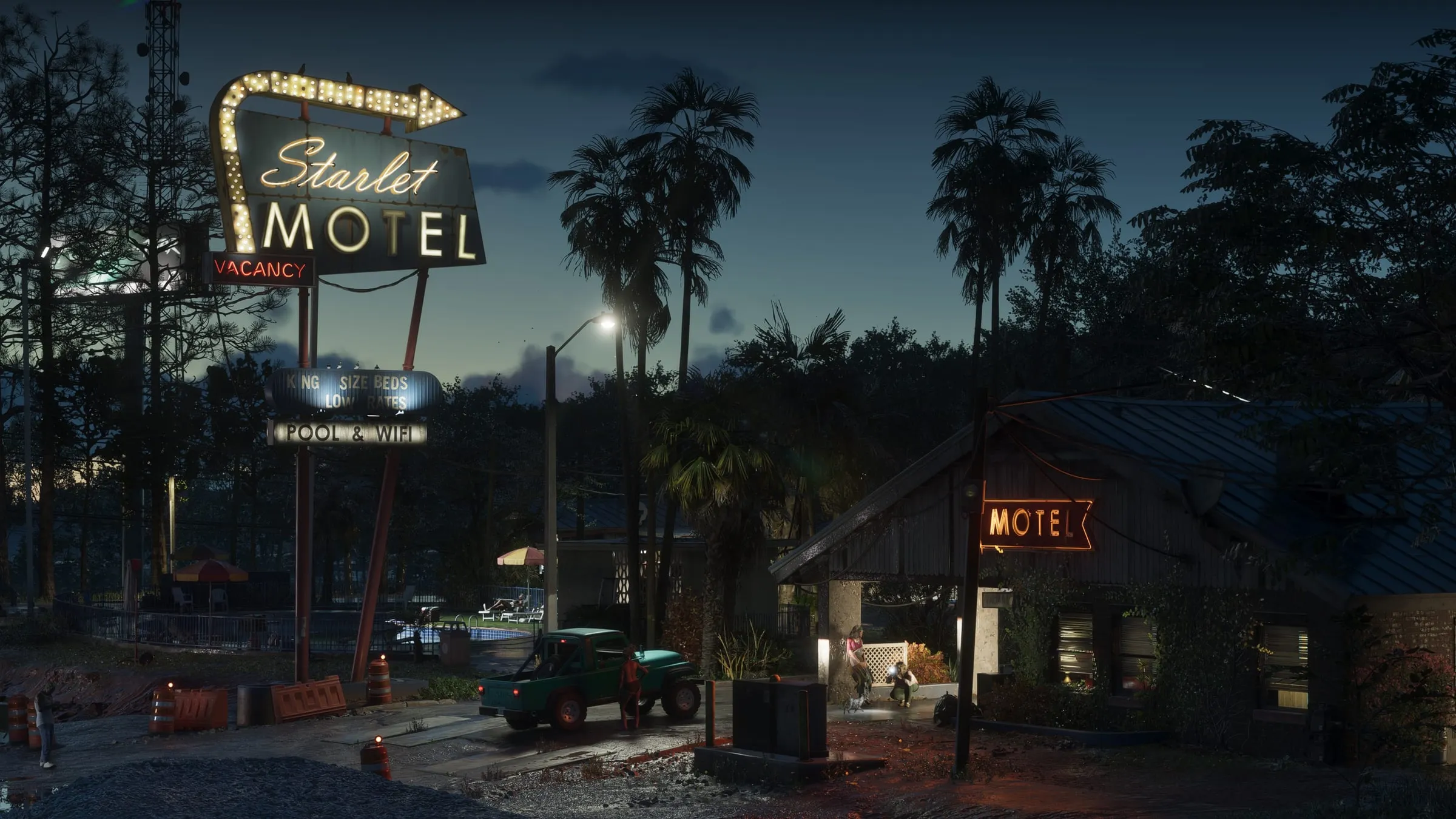
Lucia nurses Jason through the aftermath while the pair hustle for cash: stolen vehicles for Moses, painkillers, a robbery of Vicki’s boss. They finally leave the motel life behind and move to Vice City.
Step-by-step walkthrough
- Step1
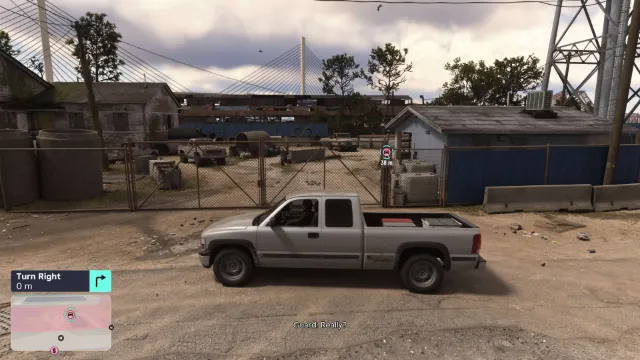
Moses texts a photo of a white ’82 Canis Crawler parked by the old Traders’ Union building.
Screenshot: GTABase - Step2
Check the photo on your phone if you’re unsure which jeep it is; guards are nearby.
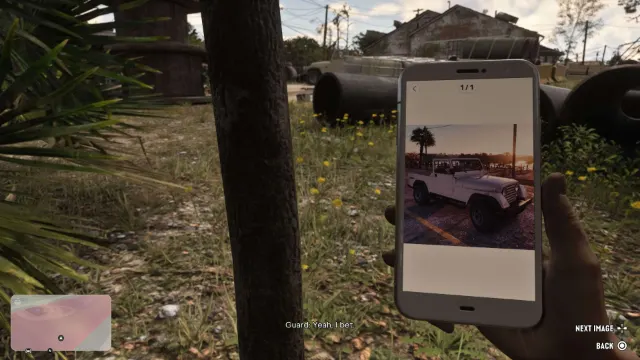
Screenshot: GTABase - Step3
Take the Crawler and lose or beat the guards.
No screenshot for this step yet - Step4
Drive it into Moses’ garage in Port Gellhorn: $1,250, plus $500 if it’s in good shape.
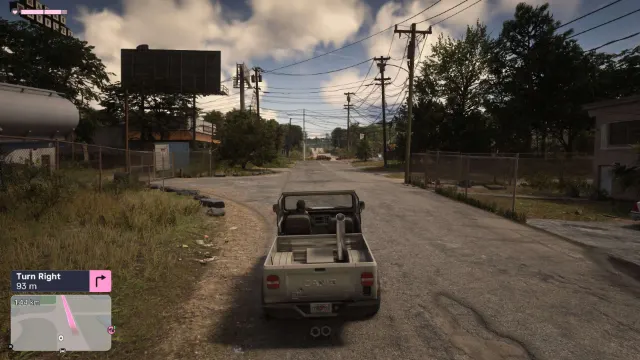
Screenshot: GTABase - Step5
Moses then gives you the Port Gellhorn garage and the Vice City Real Estate app opens.
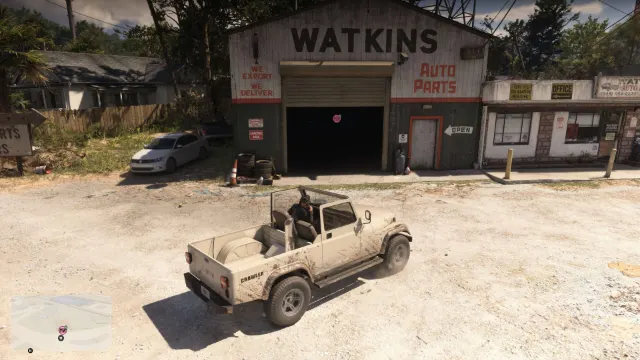
Screenshot: GTABase
Sources for the mission order and flags: PowerPyx — GTA 6 full walkthrough PC Gamer — GTA 6 mission list · More on GTA Wiki ↗