Story mission
Save for the Future
Save for the Future is mission 18 of 157 in GTA 6, part of Chapter 1 “Just Like Paradise”.
- Chapter
- Chapter 1: Just Like Paradise
- Character
- Jason
- Order
- 18 / 157
- Replay
- No mission replay at launch; the Story Recap menu summarises past missions.
How the mission goes (spoilers)
A long-running goal with no marker: move money into Family Savings in the BuckMe app. Each savings tier unlocks a perk, from a higher account limit at $5,000 to discounts on RydeMe rides, garages and liveries further up.
Tip: Have at least $5,000 saved before Recalibration: you lose your pocket cash soon after.
Story of Chapter 1 (spoilers)
Jason works the Keys for Brian: collecting rent, running errands and helping Donnie with shady jobs. Lucia is released, the two reunite, and a first scheme with Mattia ends with Jason in hospital.
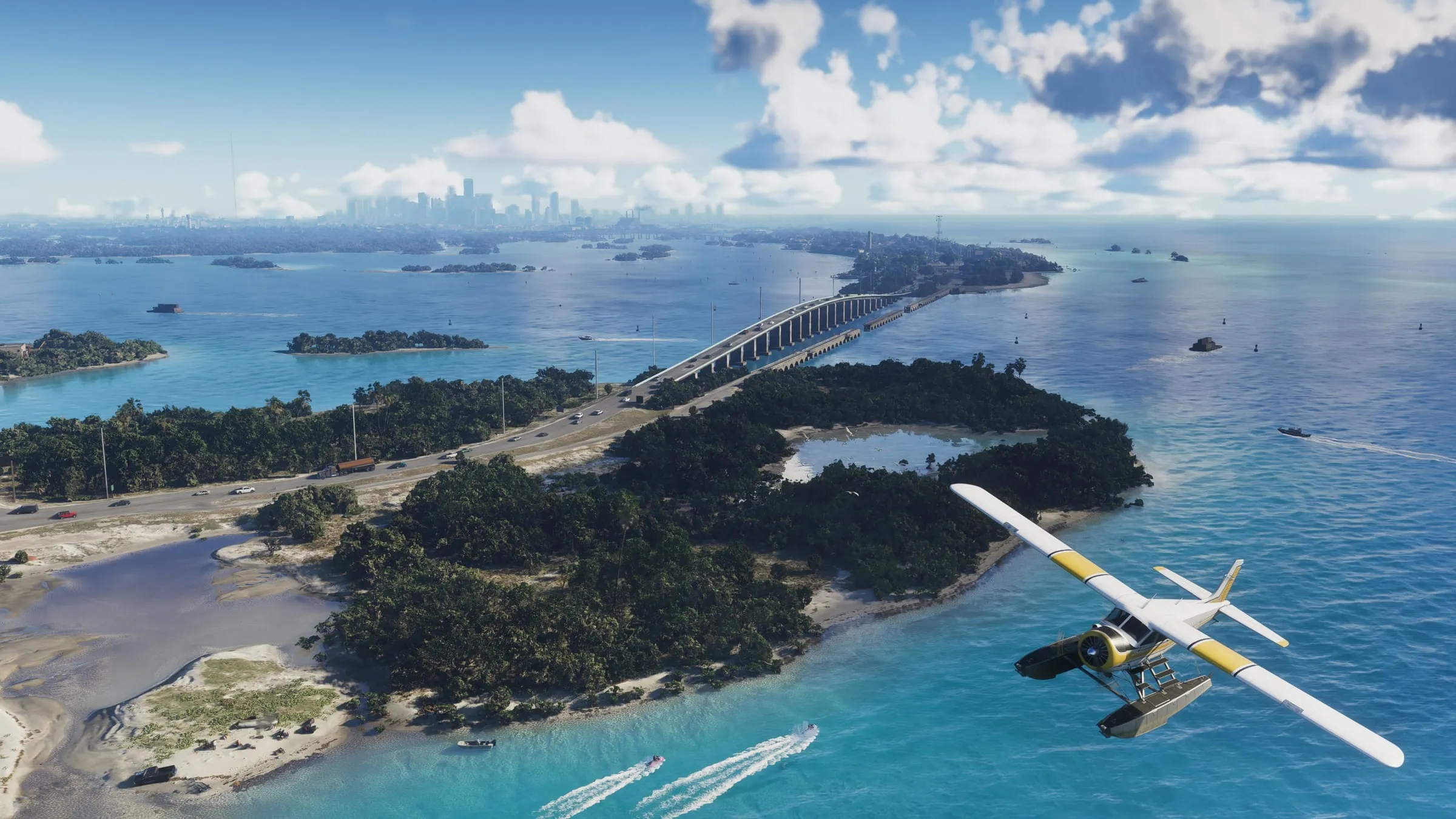
Step-by-step walkthrough
- Step1
No marker: this runs through the whole story. Move money from checking into Family Savings in BuckMe.
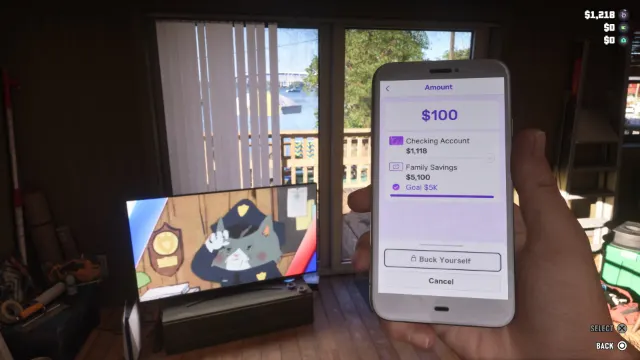
Screenshot: GTABase - Step2
First tiers: $5,000 raises the checking limit; $10,000 adds 20% off RydeMe rides.
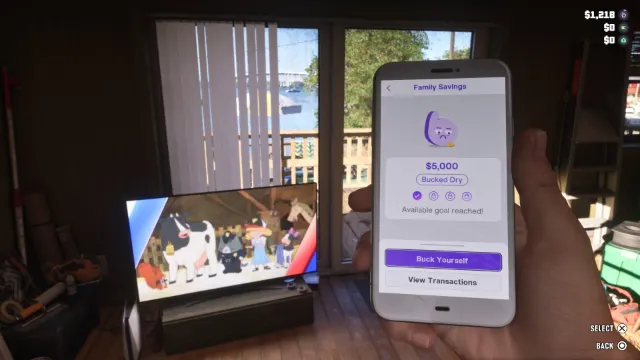
Screenshot: GTABase - Step3
Higher tiers: $100,000 gives 20% off garages; $500,000 gives 10% off liveries (applied automatically in Chapter 4).
No screenshot for this step yet - Step4
$1,000,000 and $2,000,000 are the top tiers.
No screenshot for this step yet - Step5
Have at least $5,000 saved before Recalibration and Tourist Trap: you lose your pocket cash there.
No screenshot for this step yet
Sources for the mission order and flags: PowerPyx — GTA 6 full walkthrough PC Gamer — GTA 6 mission list · More on GTA Wiki ↗